

1. Introduction
SD Card renowned for its dependable data storage capabilities within the realm of photography, occasionally has unfortunate circumstances of data loss. Maybe you accidentally deleted the files or worse, formatted it. Find reliable SD card recovery software that can recover deleted files from SD card easily and effectively in such situations as:
- Accidentally deleted files
- Formatted SD card
- Corrupted or inaccessible SD card
- Virus infection, Power failure and others
Whatever the situation is, today in this article I’ll teach you How to Recover Deleted files from SD Card. So, let’s go!
2. Part 1: Best Way to Recover Deleted Files from SD Card
Referring to the best way, we’ll recommend AnyRecover, a powerful recovery tool, to recover deleted files from SD cards. Compatible with all major brands like SanDisk, Lexar, Samsung, etc, it effortlessly handles SD card recovery, even if deleted, or formatted files. It can scan and find almost any type of file on your external disk, like photos, videos, office documents, and so on.
3. Part 2: How to Recover Deleted Files from SD Card
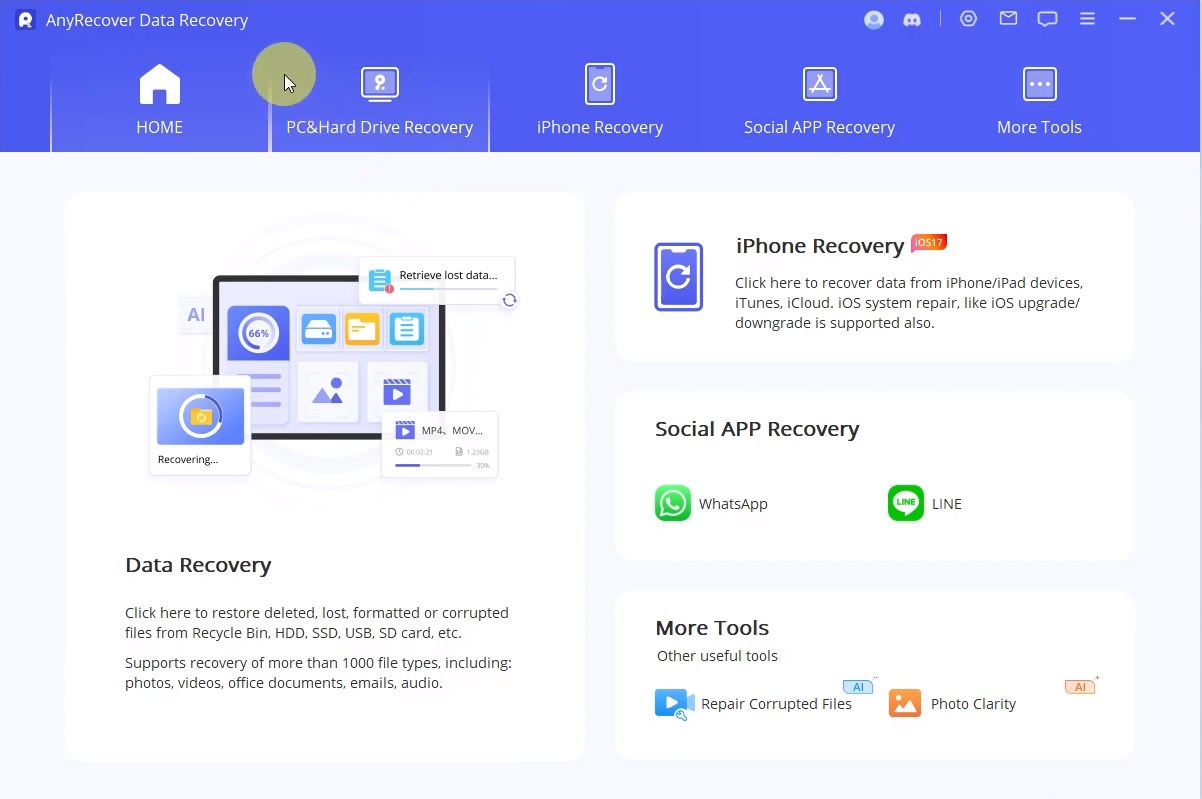
After downloading and installing, run AnyRecover. Click on “PC & Hard Drive recovery” and click on your SanDisk SD Card.
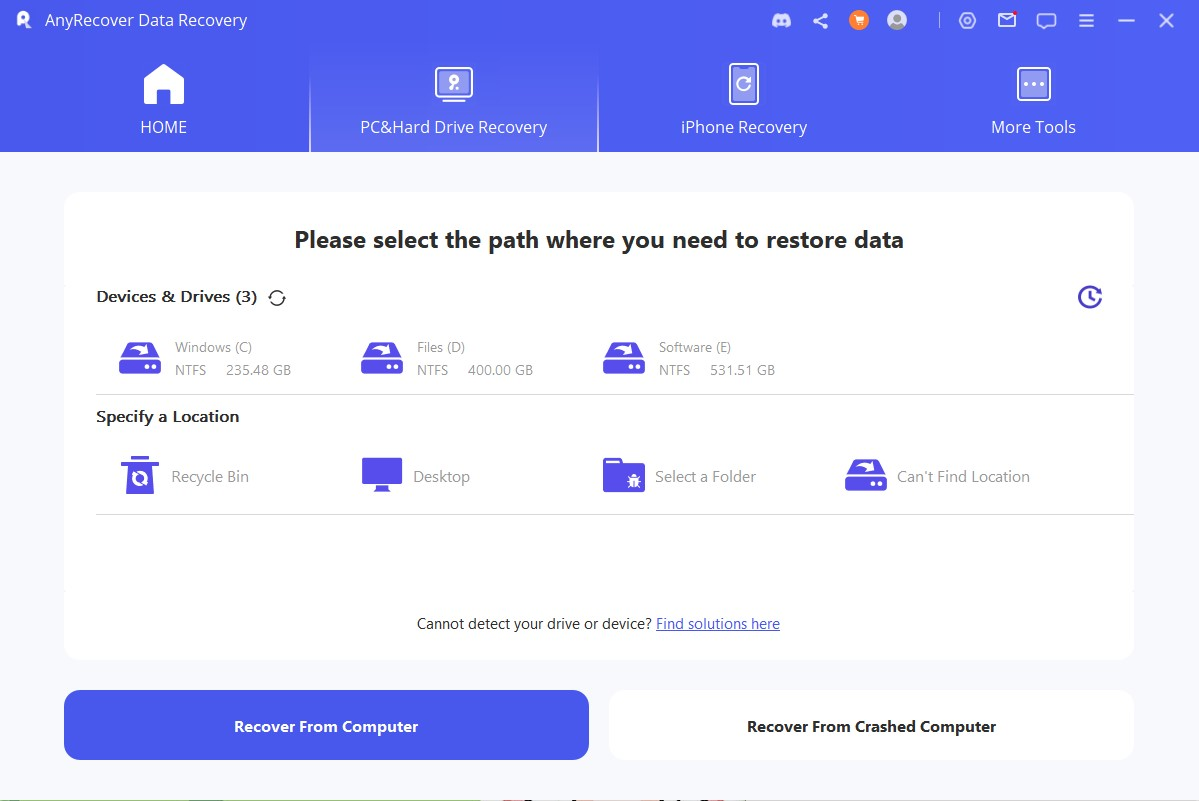
Now, AnyRecover will automatically scan the location of all the files that were inside.
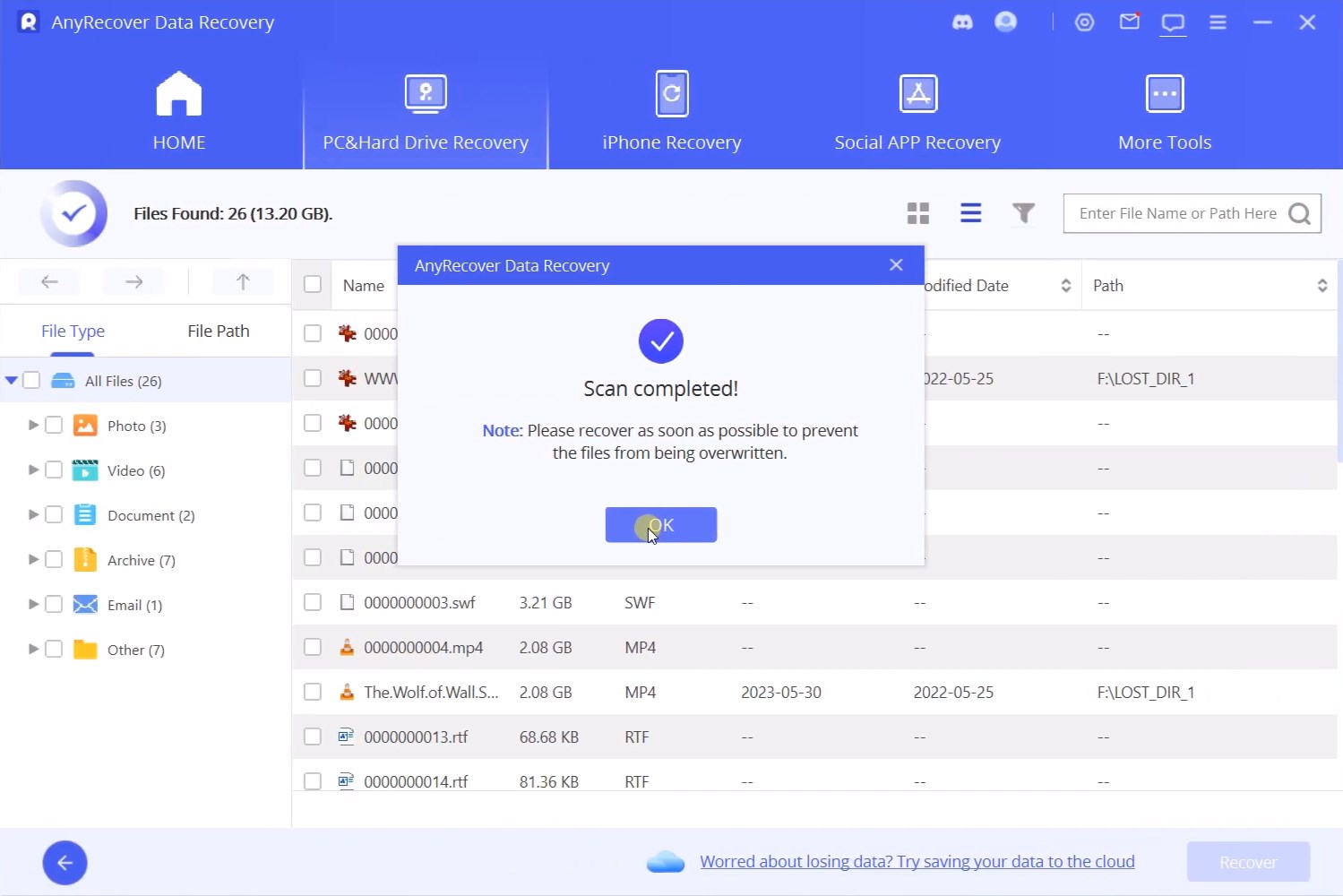
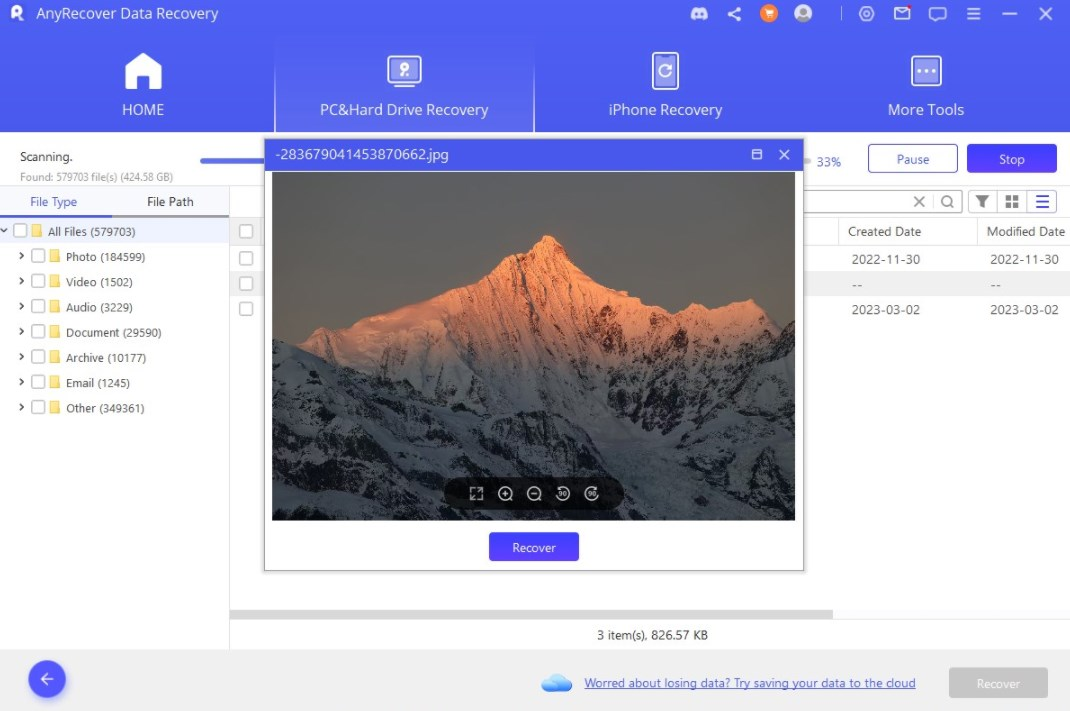
After the scan, select your deleted files. You can also view files like photos even before recovering them. Other than that, you can also change the view type to thumbnail and there are filters, where you can select the lost files, and the modified date. A simple yet very effective feature!
Now, click on the blue recover button, select the location where you want to paste in your recovered files and you’re done!
4. Part 3: FAQ About SD Card Recovery
Is It Possible to Recover Files from a Corrupted SD Card?
Yes. If your computer can recognize the SD card, then AnyRecover can deep scan the files, and recover the files from the corrupted SD card.
How to Recover Deleted Files from an SD Card without Software?
Here are two ways, first you can find any backup to recover it, second if your SD Card is corrupted and you cannot access your files inside it, then try CMD to make the files accessible.
For the first solution:
Check your Recently Deleted folder.
Connect the SD card to a different PC that may access lost files again.
Check if there are any backups.
The second Solution, using CMD
click on the start button and search for CMD. Run it as administrator.
Type (chkdsk X: /f) this command, and make sure to replace the letter X with your SD Card’s letter. And, press enter.
After that is done, type the following command (chkdsk X: /r) even here make sure to replace the letter X with the SD Card’s letter.
These commands will start scanning your SD Card’s file system for errors and attempt to fix them so that you’ll be able to access your data.
But if you ask me, using professional data recovery software like AnyRecover is the best and safest method to recover files from an SD card, as it has a 98% success rate, even if your SD card was corrupted.
5. Conclusion
You can try basic troubleshooting to restore the deleted files, but we will recommend using professional tool like AnyRecover, to finish this hard work, as it has a 98% success rate, no matter what caused the data loss, like accidental deletion, formatting, corruption, or a virus attack. I believe it will save you a lot of time to rescue the files.
Give AnyRecover a try!
