

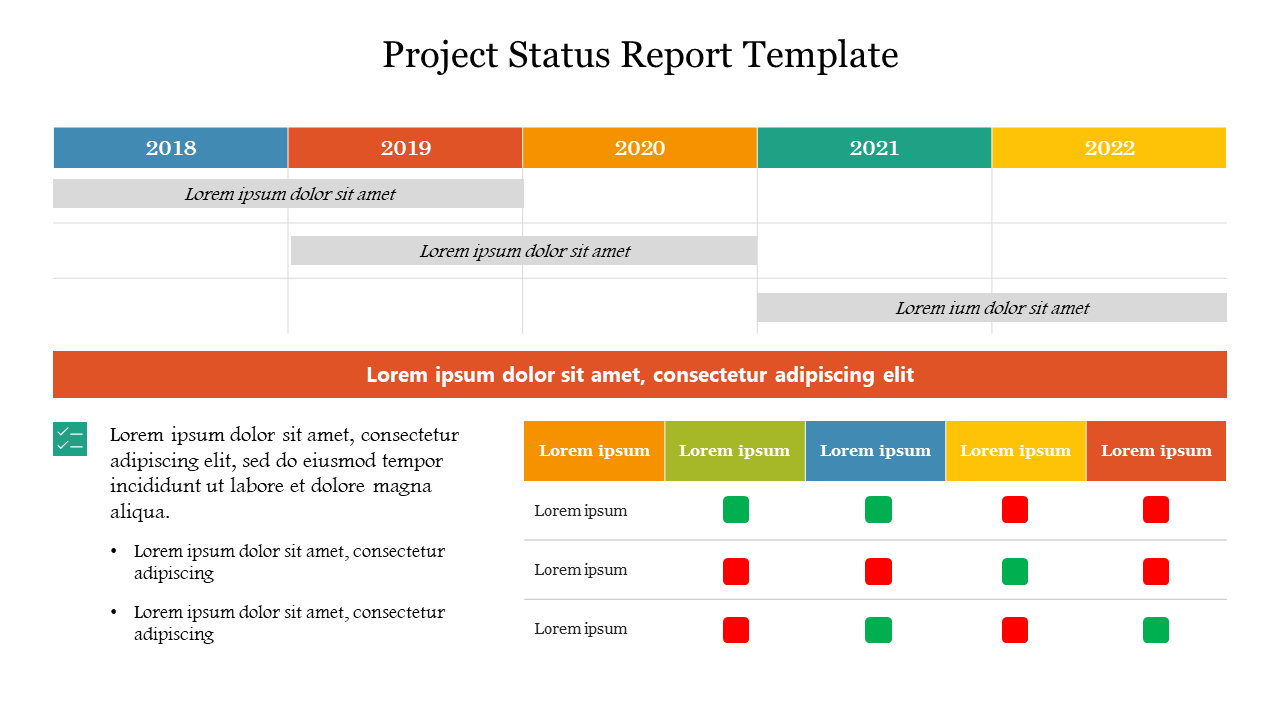
In every business, project management keeps them in the top position. It leads to a successful business in your environment. Whether you’re leading a small team or overseeing a complex project, communication plays a crucial role and an efficient way.
Take an organized approach to track and report the progress of your projects. How is it possible? Here is the solution Project Status PowerPoint template. Join the community to serve your project status in a unique manner to your clients and stakeholders.
Let’s delve into the topic of project status management. Hold some drinks and level up your energy level.
The Basics of a Project Status
The basis of project status serves as the foundation for creating comprehensive project status reports, which are essential tools for informing stakeholders, making informed decisions, and ensuring the successful completion of projects.
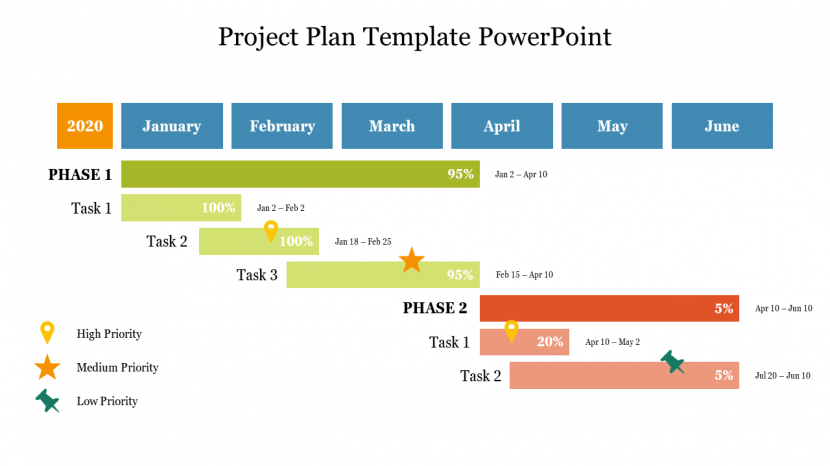
It allows project managers and teams to stay on top of project status, identify areas that need attention, and take corrective actions as needed.
How to Write a Strong Project Status Report Template
When writing your project status report template, it is important to keep your audience in mind. If you are reporting to stakeholders outside of your team, you may want to use simpler language and avoid technical jargon. If you are reporting to your team members, you can use more technical language and provide more detail about the project’s progress.
Project Summary:
Provide a brief overview of the project, including its name, objectives, and a concise description of its purpose and significance. This section serves as the executive summary of the project’s status.
Progress Update:
Describe the project’s current status in terms of milestones achieved, tasks completed, and any deviations from the original schedule. Include any achievements or notable developments.

Budget and Resource Management:
Report on the project’s financial health, including the current budget status, actual expenditures, and any budget variations. Discuss how resources are being managed and if any reallocations are necessary.
Risks and Mitigations:
List the primary risks and issues affecting the project, their potential impact, and the actions taken to mitigate or resolve them. Prioritize these based on their significance and likelihood.
Next Steps and Action Items:
Outline the upcoming project activities, milestones, and any action items or decisions required. Provide clarity on what will happen next and who is responsible for each task.
This streamlined template offers a concise yet comprehensive view of the project’s status, focusing on the most critical aspects and providing stakeholders with the information they need to make informed decisions.
The Advantages of Using Project Status Templates
Now that we understand what a project status template includes, let’s delve into the benefits of incorporating these templates into your project management process:
1. Standardization: Project status PowerPoint templates provide a consistent format for reporting, ensuring that all stakeholders receive information clearly and uniformly. This standardization streamlines communication and reduces misunderstandings.
2. Efficiency: By using a template, project managers and teams can save time that would otherwise be spent formatting and structuring reports. This time can be better utilized for other project-related activities.
3. Accountability: Templates help establish clear responsibilities and expectations. Team members know what information they are responsible for providing, fostering a sense of accountability.
4. Visibility: Project status templates provide a bird’s-eye view of the project’s health, making it easier to identify areas that need attention or resources.

5. Proactive Problem Solving: A well-designed template includes sections for issues, risks, and recommendations. This promotes proactive problem-solving and risk management, reducing the chances of last-minute crises.
6. Communication: These templates improve communication with stakeholders by ensuring that essential information is presented consistently and comprehensively. This is particularly valuable when presenting to executives, clients, or project sponsors.
Effortlessly engage with your followers using the free Project Status PowerPoint template, available on Slide Egg.
If you are looking for a way to create professional and visually appealing presentations, then SlideEgg is a great option. With its wide range of templates and other resources, SlideEgg can help you create presentations that will impress your audience.
At Slide Egg, you can download free PowerPoint templates from a vast array of free and top-quality PPT templates and Google Slides. Why wait any longer? Begin your successful journey with our free PowerPoint templates.
Conclusion
Communication is the key to success. A well-organized form can tell people about the progress of your work in a clear and open way, and it can help you stay accountable. Don’t be afraid to use a project status PowerPoint template to make project management easier and more successful.
