

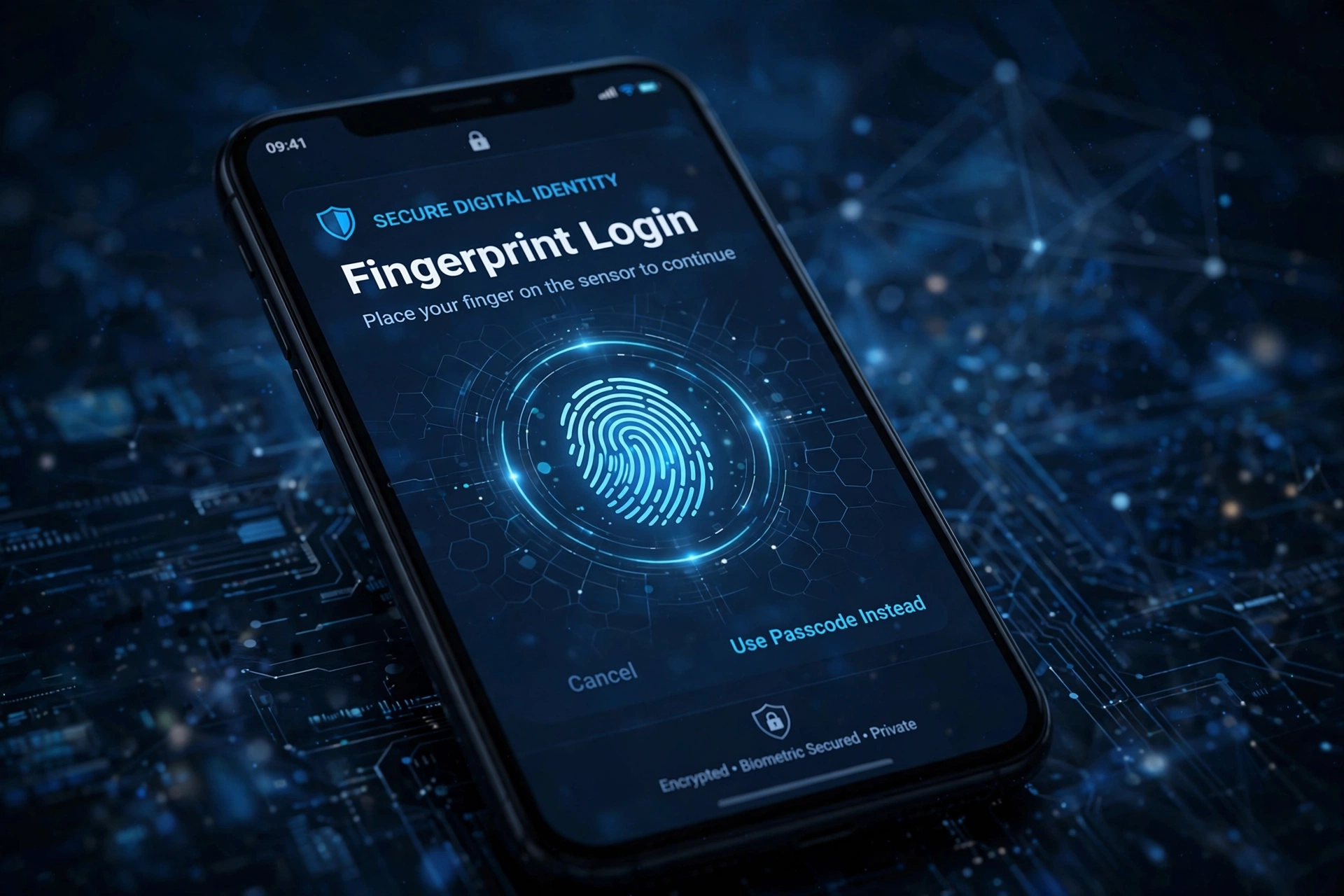
The password has been declared dead before, but this time the obituary has evidence. Passkeys — the phishing-resistant login standard built into every major phone and computer platform — have moved from novelty to default, with the biggest services now prompting hundreds of millions of users to create one. If you have unlocked an account with your face or fingerprint this year and never typed a password, you have already used one.
What a Passkey Actually Is
A passkey is a pair of cryptographic keys. One half, the public key, sits on the service’s server; the other half never leaves your device, unlocked by your biometrics or PIN. When you sign in, the service sends a challenge that only your private key can answer, and — critically — the answer is bound to the real website’s domain. The FIDO Alliance, the industry body behind the standard, explains the mechanics at fidoalliance.org.
That domain binding is the revolution. A password can be typed into a convincing fake site; a passkey simply refuses to work there, because the cryptographic handshake names the genuine domain. Phishing, credential stuffing and reused-password breaches — the three horsemen of account takeover — all depend on secrets that can be copied. A passkey is a secret that cannot.
Why Adoption Tipped in 2026
Passkeys synchronise through the same cloud accounts that already manage your photos and passwords, so losing a phone no longer means losing your logins. Platforms cleaned up the early user-experience mess — confusing prompts, inconsistent naming — and services began reporting what usability teams long suspected: passkey sign-ins succeed more often and complete faster than passwords plus one-time codes. The US Cybersecurity and Infrastructure Security Agency, at cisa.gov, now lists passkeys among the strongest consumer authentication options available.
What Still Needs Work
Recovery remains the soft underbelly. If you are locked out of the cloud account that syncs your passkeys, you are locked out of everything that depends on it, and account-recovery flows at many services still fall back to weaker methods an attacker can target. Cross-ecosystem use — an Android passkey signing you into a Windows service via QR code — works, but still feels like a magic trick rather than a routine. And plenty of smaller sites, forums and legacy business systems will run passwords for years yet.
What You Should Do
Create passkeys first for the accounts that guard everything else: your primary email, your cloud ID, your bank and your password manager. Keep at least two devices enrolled where possible, store printed recovery codes for your most critical accounts somewhere physical and safe, and do not delete your old passwords from your manager until the passkey has worked a few times. The password will linger in corners of the internet for a decade. But its reign as the default way humanity proves identity online is ending — not with a mandate, but with a tap. For more on protecting your accounts, see our recent security coverage.
